Choosing the Right Keyboard for You
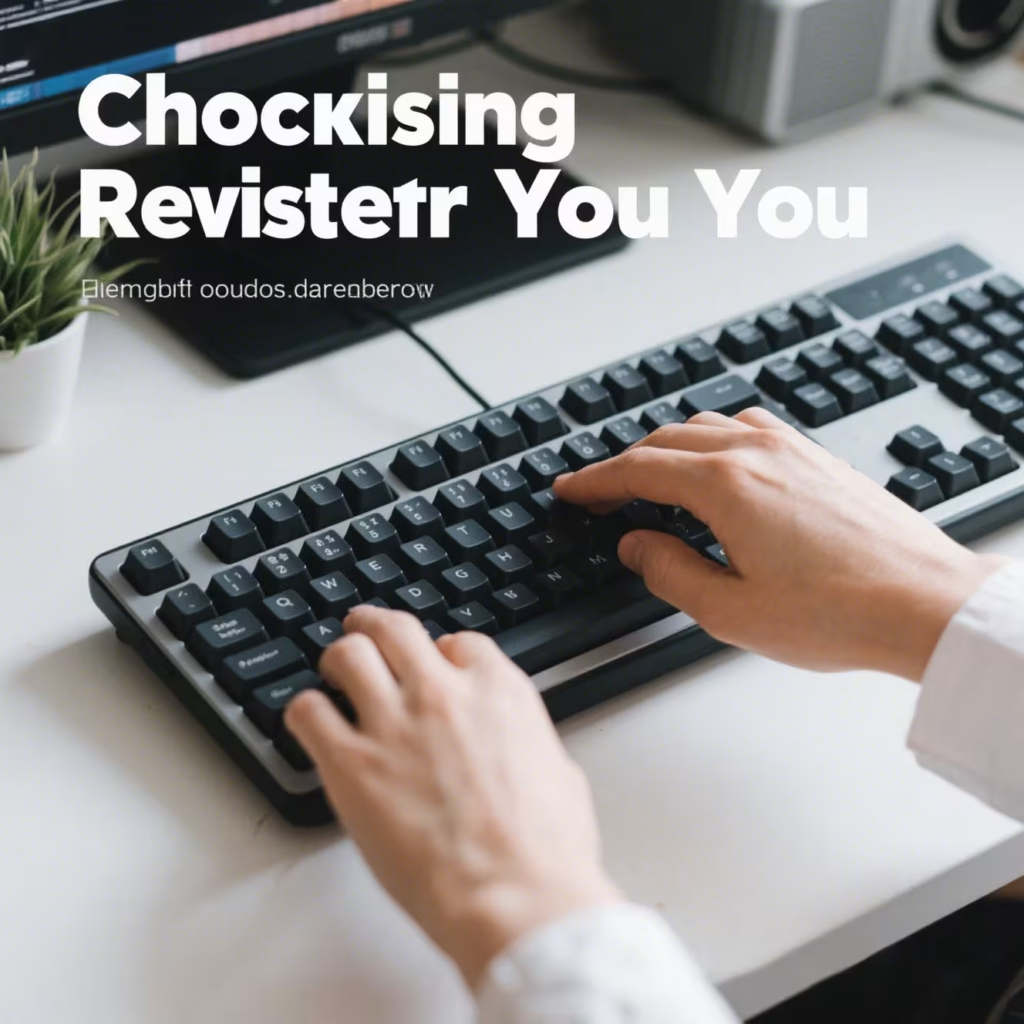
Choosing the Right Keyboard for You
Choosing the right keyboard can significantly enhance your typing experience, whether you’re a gamer, a writer, or someone who spends a lot of time at the computer. With various options available, it’s essential to understand what makes each type of keyboard unique. In this guide, we’ll explore different types of keyboards, their features, and how to choose the perfect one for your needs.
Understanding Keyboard Types
Before diving into specific features, it’s important to know the basic types of keyboards. The three main categories are membrane, mechanical, and scissor-switch keyboards.
Membrane Keyboards
Membrane keyboards are the most common and affordable type. They use a rubber dome to register key presses. While generally quieter and cheaper, they may not offer the tactile feedback that many typists and gamers prefer.
Mechanical Keyboards
Mechanical keyboards are known for their durability and tactile feedback. Each key has its own switch, which can provide a satisfying click or a smoother, quieter press. These keyboards are often favored by gamers and those who type extensively.
Scissor-Switch Keyboards
Scissor-switch keyboards are commonly found in laptops. They offer a low-profile design and a moderate amount of tactile feedback. They strike a balance between the cost-effectiveness of membrane keyboards and the tactile feedback of mechanical ones.

Features to Consider
When choosing a keyboard, consider features that align with your needs and preferences.
Key Switch Types
Mechanical keyboards offer various switch types, each with distinct characteristics. Some popular types are Cherry MX, Razer, and Logitech switches. Each has different actuation points and sound levels, so test them if possible to see what you prefer.
Ergonomics
Ergonomic keyboards are designed to reduce strain on your wrists and hands. They often feature a split layout or a curved design to promote a more natural hand position. If you spend long hours typing, an ergonomic keyboard could be a wise investment.
Backlighting
Backlit keyboards are not only aesthetically pleasing but also functional, especially in low-light conditions. RGB lighting allows customization of colors and effects, which can be a fun addition for gamers.
Connectivity
Keyboards can be wired or wireless. Wired keyboards offer a more stable connection and don’t require batteries, while wireless keyboards provide more flexibility and a cleaner desk setup. Consider your workspace and preferences when deciding.
Gaming Keyboards
For gamers, the keyboard is more than just a tool for typing. It’s an essential part of their setup.
Mechanical vs. Membrane for Gaming
Most gamers prefer mechanical keyboards due to their durability and responsiveness. The tactile feedback can make a difference in fast-paced gaming environments. However, some membrane keyboards are specifically designed for gaming and can offer a quieter experience.
Additional Features for Gamers
Gaming keyboards often come with extra features like programmable keys, macro support, and anti-ghosting capabilities. These can provide a competitive edge by allowing gamers to customize their setup and execute complex commands quickly.

Choosing the Right Keyboard for Work
If you use your keyboard primarily for work, you might prioritize different features.
Comfort and Typing Speed
For office work, comfort is key. Consider keyboards with cushioned palm rests or adjustable height settings. A keyboard with responsive keys can also help increase typing speed and accuracy.
Portability
If you frequently travel for work, a compact or foldable keyboard might be beneficial. These keyboards are lightweight and easy to carry, making them ideal for working on the go.
Making the Decision
With so many options available, choosing the right keyboard can seem overwhelming. Here’s a simple process to help you decide:
- Identify Your Primary Use: Determine if you’ll use the keyboard mostly for gaming, work, or general typing.
- Set a Budget: Keyboards range from budget-friendly to high-end models. Decide how much you’re willing to spend.
- Test Before Buying: If possible, try different keyboards to see which feels best. Pay attention to the sound, key resistance, and overall comfort.
- Consider Long-Term Use: A good keyboard should last several years. Consider investing a bit more for better durability and features.
Conclusion
Choosing the right keyboard involves balancing your needs, preferences, and budget. Whether you’re a gamer in need of precise controls, a writer seeking comfort, or a casual user looking for reliability, there’s a keyboard out there for you. Remember, the best keyboard is one that feels right to you and enhances your computing experience. Happy typing!

Looking for reliable sourcing? Browse our keyboards collection at AllWinFactory.
Related AllwinKey factory sourcing pages
If you are comparing costs, materials or factory options, use these pages to prepare a practical sourcing request:
Frequently Asked Questions
Consider switch type, keycap material, layout size, and connectivity options to match your target audience's preferences and usage scenarios.
Work with a manufacturer like AllwinKey to select switches, keycaps, PCB layouts, and branding elements, ensuring a unique product that aligns with your brand identity.
Benefits include cost-effective production, access to advanced manufacturing techniques, faster time-to-market, and the ability to offer exclusive designs without investing in your own factory.
Buyer next step
Need custom keyboards or keycaps from a factory?
Send material, layout, quantity, packaging and timeline. AllwinKey will use it to prepare a practical RFQ discussion.
Member / sourcing checklist
Use the sourcing checklist before you register
Prepare MOQ, material, layout, packaging and sample questions before you contact the factory.
Open buyer sourcing checklist →Register as a buyer / member →
Buyer Q&A
Use this area for practical sourcing questions about MOQ, materials, layouts, samples, packaging, production schedule or OEM/ODM details.
No public sourcing questions yet. Be the first to ask a practical buyer question.