What is keyboard travel?
# What Is Keyboard Travel?
Ever heard someone mention “keyboard travel” and wondered what it really means? In this article, we’ll break down what keyboard travel is, how it affects your typing experience, and why it matters when choosing a mechanical or laptop keyboard.
## 📏 Definition: What Does “Keyboard Travel” Mean?
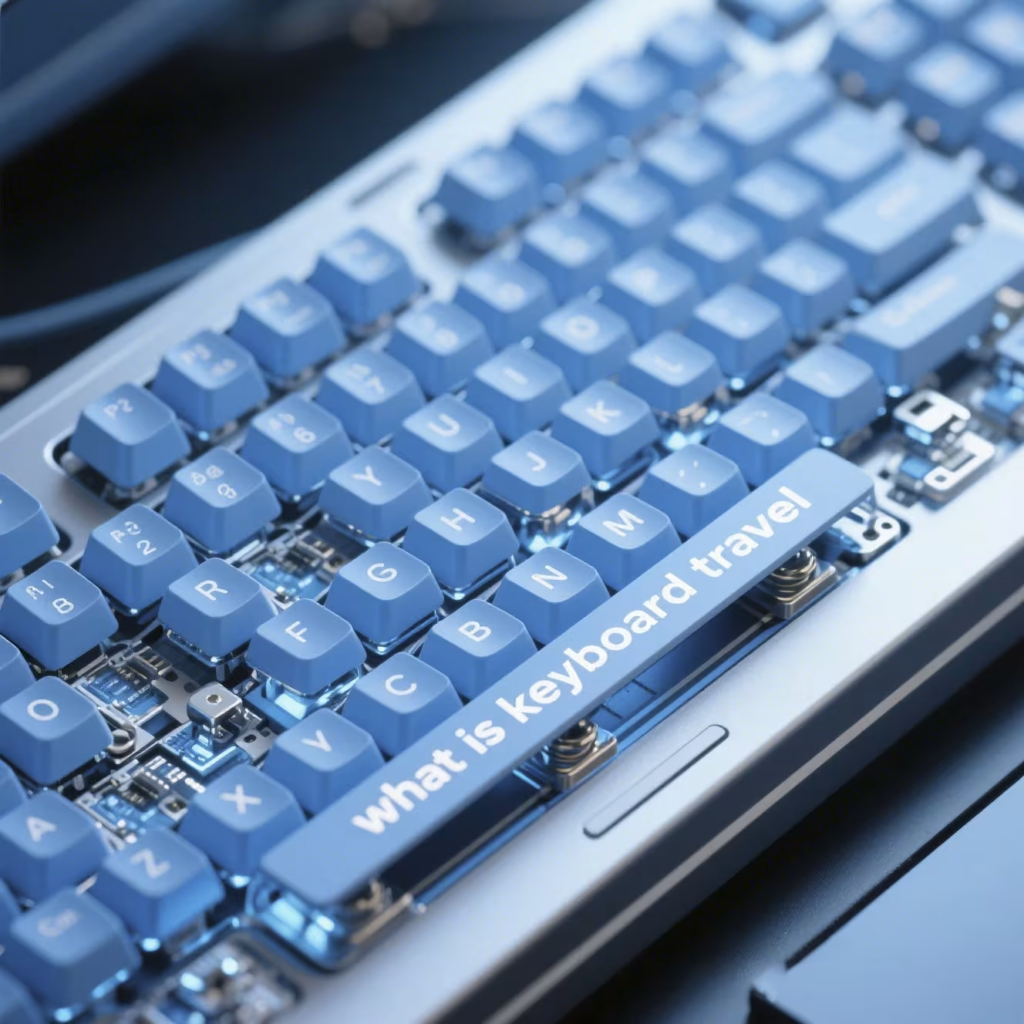
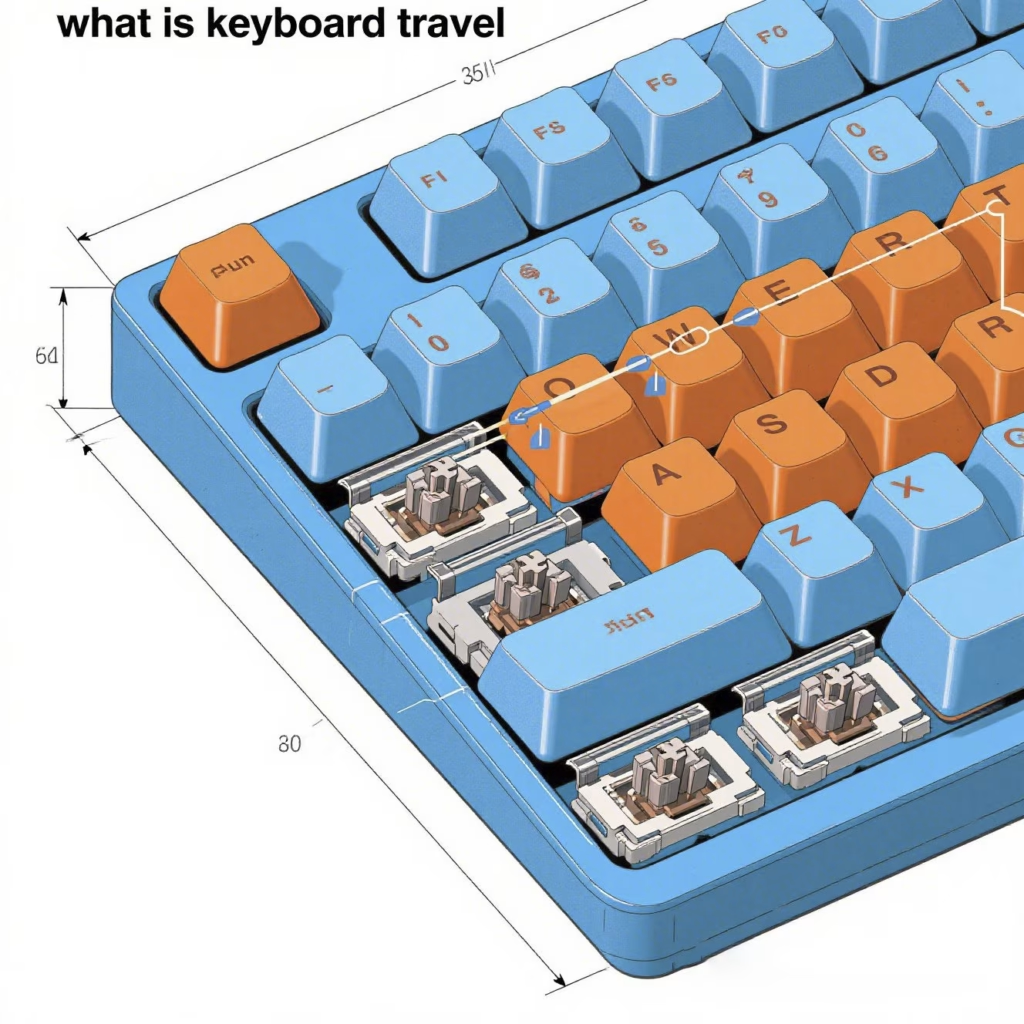
**Keyboard travel** (or “key travel”) refers to the **distance a key moves down when pressed**, usually measured in **millimeters (mm)**. This travel distance can affect how a keyboard feels — soft and shallow vs. deep and tactile.
## 🔍 Typical Keyboard Travel Ranges
| Keyboard Type | Typical Travel Distance |
|—————————-|——————————-|
| Laptop Keyboards | 1.0mm – 1.8mm |
| Chiclet Keyboards | 1.2mm – 2.0mm |
| Mechanical Keyboards | 2.0mm – 4.0mm |
Shorter travel = faster response time, often found in ultrabooks. Longer travel = better tactile feedback, common in mechanical keyboards.
## 🎯 Why Keyboard Travel Matters
– **Comfort**: Deeper travel can reduce finger strain over long typing sessions.
– **Feedback**: Mechanical switches with long travel often offer tactile or clicky feedback.
– **Speed**: Shorter travel allows for faster keystrokes, preferred by gamers or minimalists.
– **Typing Accuracy**: Some users feel more control with longer travel switches.
## 🔄 How It Relates to Keyboard Switches
Each switch type (like Cherry MX, Gateron, or laptop dome switches) has its own travel profile:
– Cherry MX Red: ~4.0mm total travel – Low-profile switches: ~1.2–1.5mm – Scissor switches (laptops): ~1.5mm Knowing the **actuation point** (when the key actually registers a press) is also important — it often occurs at about 50–70% of total travel.
## 💡 How to Choose Based on Keyboard Travel
– Prefer speed and portability? → Look for short-travel keyboards (1.2mm–1.8mm) – Want tactile satisfaction and accuracy? → Choose mechanical switches with 3.5mm–4.0mm travel – Type all day? → Mid-travel mechanical keyboards (2.0mm–3.5mm) offer a good balance
## 🧠 FAQ: Common Questions About Keyboard Travel
Q: Is longer keyboard travel always better?
A: Not necessarily. It depends on your typing style. Some users love the deep press of mechanical keys; others prefer the quick response of short travel.
Q: How can I test keyboard travel before buying?
A: Check the specs of the switch, or try keyboards in-store. Some websites even simulate travel online.
Q: Does keyboard travel affect gaming?
A: Yes. Some gamers prefer short travel for faster response, while others like tactile feedback for precision.
## 🛍️ Shop Keyboards by Travel Feel
Looking for the right keyboard feel? Browse our Mechanical Keyboard Collection to compare travel distances, switch types, and form factors.
Keyboard travel has a direct impact on your typing experience. **First**, longer travel tends to provide more tactile feedback, which some users find satisfying. **In contrast**, short-travel keyboards may feel quicker and more responsive, especially for fast typists. **Because of this**, choosing the right travel distance is essential for both comfort and performance.
## Should You Care About Travel Distance?
Absolutely. **If you type all day**, a keyboard with moderate to deep travel may help reduce fatigue. **On the other hand**, gamers or casual users may prefer the quick actuation of short-travel switches. **Ultimately**, your use case should determine your preference.
Related AllwinKey factory sourcing pages
If you are comparing costs, materials or factory options, use these pages to prepare a practical sourcing request:
Frequently Asked Questions
Standard mechanical keyboard key travel is typically 3.5mm to 4.0mm, with linear switches often at 4.0mm and tactile or clicky switches varying slightly.
Shorter key travel can reduce actuation time and finger movement, potentially increasing speed, but may decrease tactile feedback and accuracy for some users.
Key travel is a critical factor in switch selection, keycap height, and overall keyboard profile, influencing user comfort, durability, and market positioning for OEM manufacturers.
Buyer next step
Need custom keyboards or keycaps from a factory?
Send material, layout, quantity, packaging and timeline. AllwinKey will use it to prepare a practical RFQ discussion.
Member / sourcing checklist
Use the sourcing checklist before you register
Prepare MOQ, material, layout, packaging and sample questions before you contact the factory.
Open buyer sourcing checklist →Register as a buyer / member →
Buyer Q&A
Use this area for practical sourcing questions about MOQ, materials, layouts, samples, packaging, production schedule or OEM/ODM details.
No public sourcing questions yet. Be the first to ask a practical buyer question.