How to Clean Keycaps Properly?
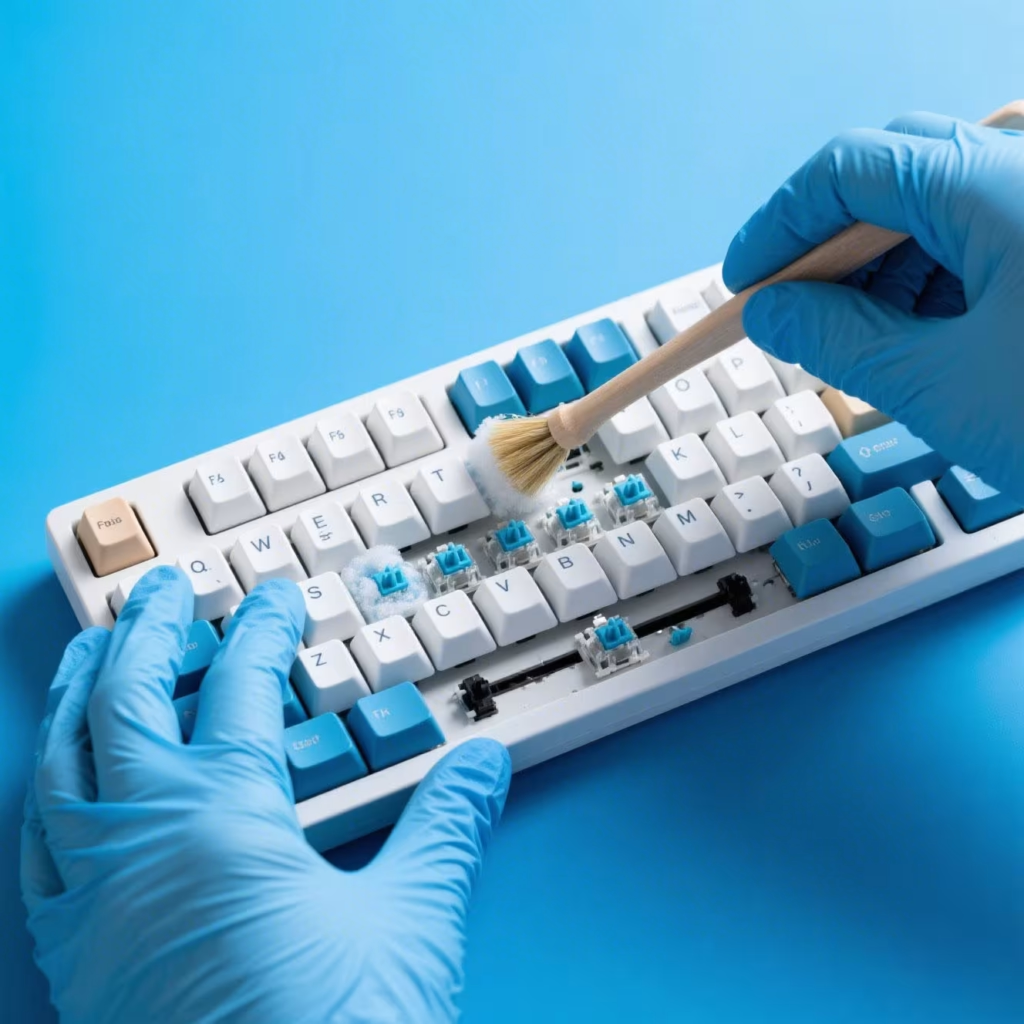
Restore Your Keyboard’s Look in Just a Few Simple Steps
If your keyboard is starting to look grimy, you’re not alone. Over time, dust, oil, and residue build up on your keycaps—especially if you’re using your setup daily for work or gaming. The good news? Cleaning your keycaps is easier than you might think.
Here’s how to clean keycaps properly, using safe methods that preserve material quality and extend the life of your keyboard.
🛠️ What You’ll Need
Before you begin, gather these basic cleaning tools:
- A keycap puller
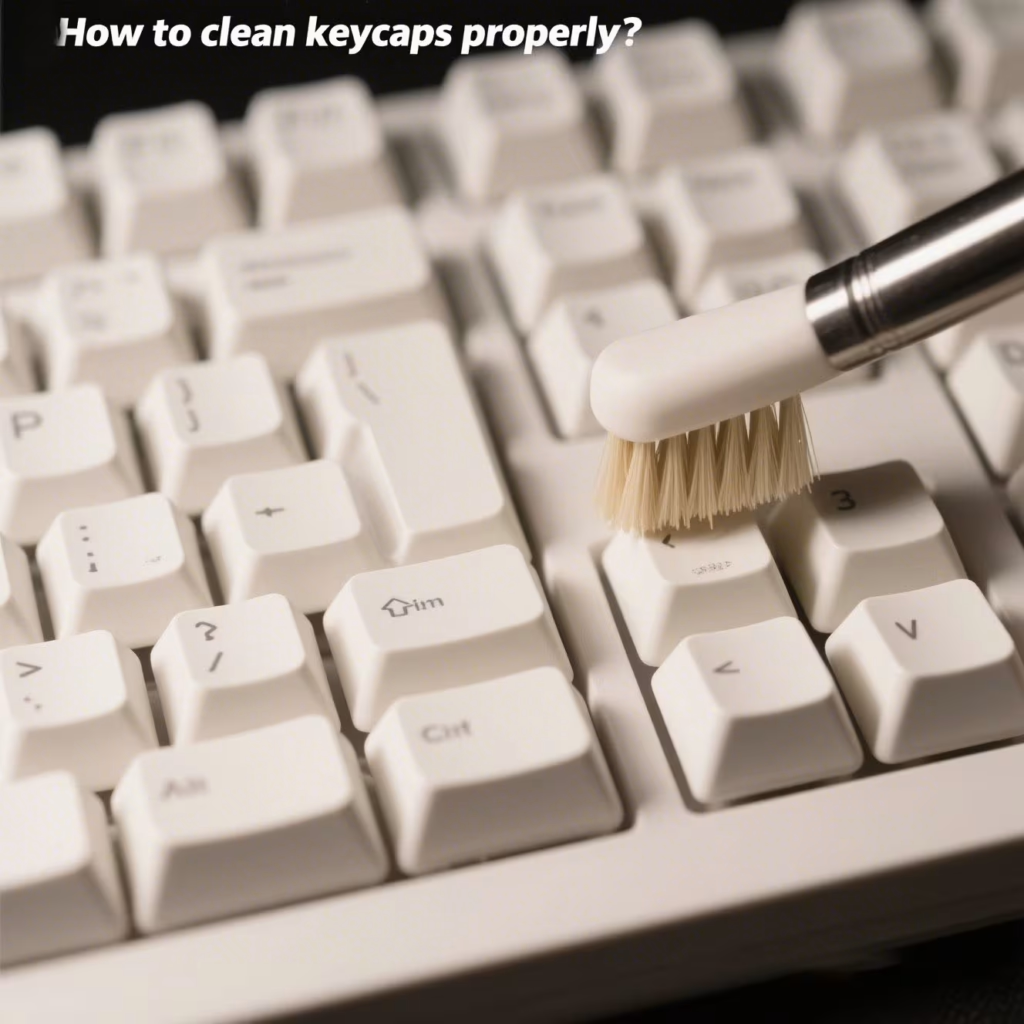
- A soft toothbrush or microfiber cloth
- Warm water
- Dish soap (mild and non-abrasive)
- A bowl or container
- Compressed air (optional, but helpful)
🔧 Step-by-Step: How to Clean Your Keycaps
1. Remove the Keycaps Safely
Use a keycap puller to gently remove each keycap. Avoid using sharp tools that might scratch or crack the plastic.
Tip: Take a photo of your layout first. This makes reassembly much easier!
2. Soak the Keycaps
Place the keycaps in a bowl of warm water with a few drops of dish soap. Let them soak for 30 minutes to loosen dirt and oils.
3. Scrub Gently
After soaking, use a soft toothbrush to clean the keycaps. Be thorough but gentle—especially with printed or painted legends.
4. Rinse and Dry
Rinse each keycap under clean water. Then, place them on a dry towel and let them air-dry completely. Avoid using heat to speed up the process, as it can warp plastic.
5. Clean the Keyboard Base
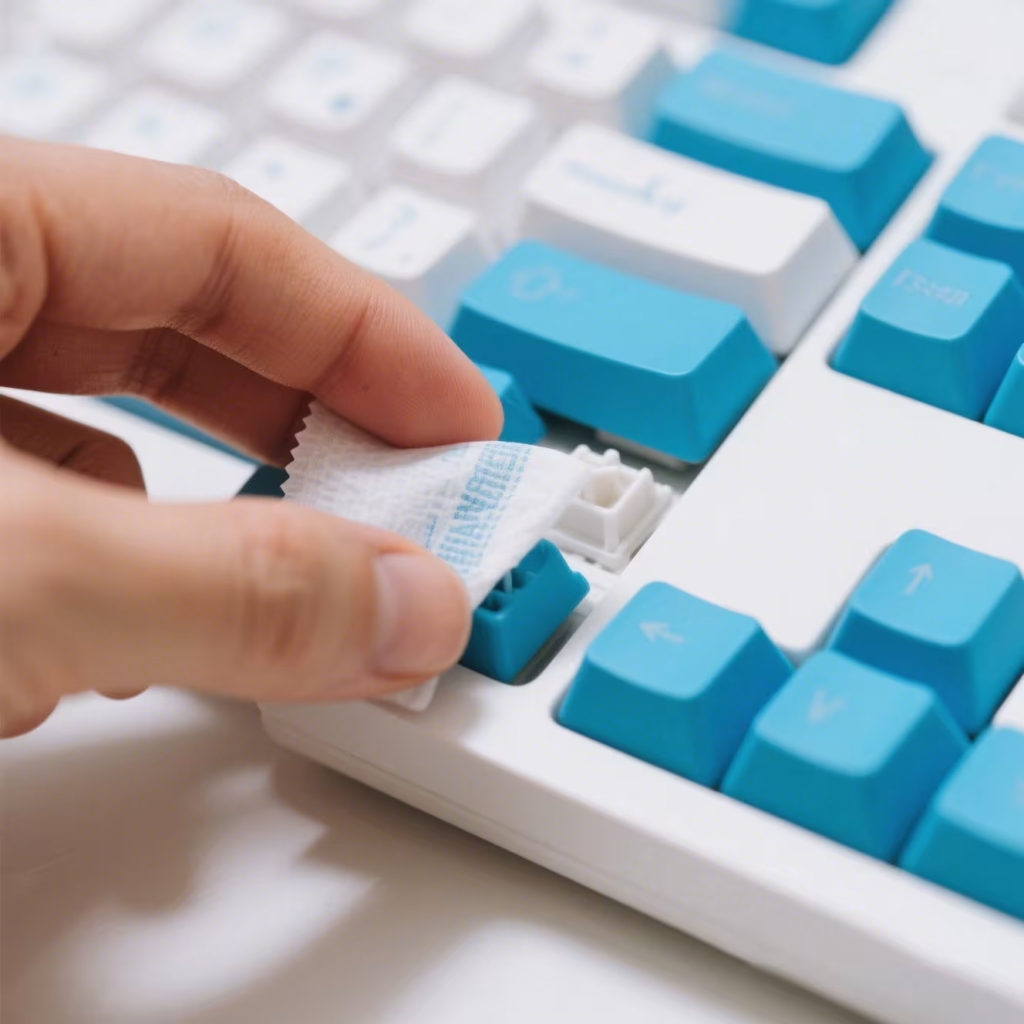
While the keycaps are drying, use compressed air or a damp cloth to wipe down the keyboard. Remove crumbs, dust, and gunk from between the switches.
6. Reassemble Your Keyboard
Once your keycaps are 100% dry, snap them back into place using your reference photo.
🧼 Best Practices for Ongoing Maintenance
- Wash your hands before using the keyboard to reduce oil buildup.
- Clean keycaps every 1–2 months if used daily.
- Use a keyboard cover to prevent dust accumulation.
🧲 Shop Keycap Cleaning Kits
Want to make cleaning even easier? We offer premium keycap cleaning kits that include everything you need—tools, brushes, microfiber cloths, and safe cleaning agents.
✅ Why Choose Our Kits?
- Non-damaging formula for ABS and PBT keycaps
- Includes universal keycap puller
- Compact and reusable
- Works for both gaming and mechanical keyboards
🛒 Browse Cleaning Kits →
📬 Ships Fast | 100% Satisfaction Guaranteed
💡 Why Clean Keycaps Matter
Clean keycaps don’t just look better—they feel better too. Dirt and oil can reduce texture, cause slippage during gaming, and even wear down printed legends. Keeping your keycaps clean extends their life and improves your typing accuracy.
Ready to Refresh Your Keyboard?
Now that you know how to clean keycaps properly, give your keyboard the attention it deserves. Whether you’re prepping for a tournament or just doing spring cleaning, this small habit can make a big difference.
🔘 Get Your Cleaning Kit Now
🛒 Protect Your Setup, Boost Your Performance
📦 Trusted by Thousands of Mechanical Keyboard Fans
Related AllwinKey factory sourcing pages
If you are comparing costs, materials or factory options, use these pages to prepare a practical sourcing request:
Frequently Asked Questions
No, harsh chemicals like bleach can damage keycap plastics and cause discoloration. Stick to mild soap and water or 70% isopropyl alcohol.
For OEM inventory, we recommend cleaning keycaps every 3-6 months to prevent oil buildup and maintain aesthetic quality for end users.
Yes, ABS keycaps are more prone to shine and require gentler cleaning with mild soap, while PBT keycaps can withstand slightly more abrasive methods but still avoid harsh chemicals.
Buyer next step
Need custom keyboards or keycaps from a factory?
Send material, layout, quantity, packaging and timeline. AllwinKey will use it to prepare a practical RFQ discussion.
Member / sourcing checklist
Use the sourcing checklist before you register
Prepare MOQ, material, layout, packaging and sample questions before you contact the factory.
Open buyer sourcing checklist →Register as a buyer / member →
Buyer Q&A
Use this area for practical sourcing questions about MOQ, materials, layouts, samples, packaging, production schedule or OEM/ODM details.
No public sourcing questions yet. Be the first to ask a practical buyer question.