How to Remove Laptop Keycaps (Safely & Easily)
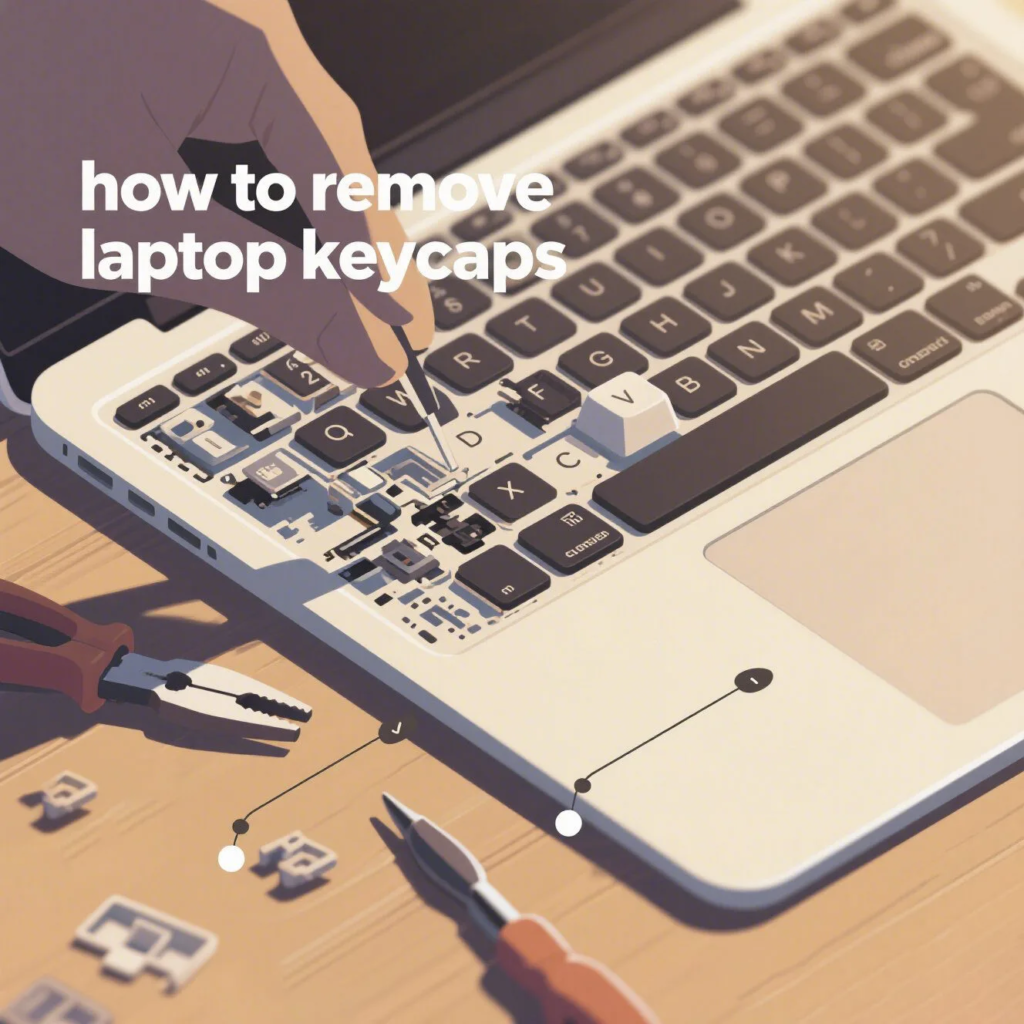
Need to clean your laptop keyboard or replace a keycap? Removing keycaps from a laptop is possible, but must be done carefully to avoid damage. In this guide, we’ll show you how to remove laptop keycaps step-by-step—using just your hands or simple household tools. Bonus: This process is based on a real demonstration—see this video for reference.
⚠️ Before You Begin: Important Tips
Laptop keycaps are more fragile than mechanical keycaps. If you’re too forceful, you risk breaking the hinges underneath. Here’s what you should do first:
- Shut down and unplug your laptop.
- Wash your hands to prevent grease or dirt from entering the keyboard.
- Get a flat tool like a plastic card or a guitar pick.
🛠️ Step-by-Step: How to Remove Laptop Keycaps
Step 1: Choose a Corner of the Keycap
Start from one of the top corners of the key you want to remove. This makes it easier to lift the cap without damaging the clips.
Step 2: Pry Gently with Your Fingernail or Tool
Use your fingernail or a thin plastic tool to gently lift the corner. Be slow and careful—don’t yank. You may hear a soft “click” when the keycap pops off.
Step 3: Lift the Keycap Off the Retainer
Once one side is loose, you can slowly pull the keycap upward. It should come off cleanly, revealing the plastic scissor or butterfly hinge underneath.
🎯 Pro Tip: How to Reattach the Keycap
To put the keycap back on, align it over the hinge and press down gently until you hear it click back into place. Make sure it’s level and works normally.
📹 Watch the Process in Action
Still unsure? Watch this 30-second YouTube Short showing the exact process. It demonstrates how little force is needed and what the mechanism looks like underneath.
💡 Why Remove Laptop Keycaps?
There are several good reasons to remove keycaps carefully:
- Clean underneath—remove dust, hair, or food particles
- Replace broken keycaps with new ones
- Fix sticky keys caused by spills or grime
🧠 Frequently Asked Questions
Q: Can I remove all keycaps from a laptop?
Technically yes, but be cautious with large keys like the spacebar—they have extra support wires and are harder to reattach.
Q: What if my keycap doesn’t come off easily?
Don’t force it. Wiggle gently or try a different corner. If you’re unsure, search for your laptop model’s keyboard layout guide.
Q: Are laptop keycaps universal?
No. Each brand and model may have different hinge designs. Always check compatibility before replacing caps.

Related AllwinKey factory sourcing pages
If you are comparing costs, materials or factory options, use these pages to prepare a practical sourcing request:
Frequently Asked Questions
Yes, you can use your fingers or a plastic spudger to gently pry the keycap from the top edge, but avoid metal tools to prevent scratches.
Use compressed air or a soft brush to remove debris, and avoid liquids. Reattach the keycap by pressing down until it clicks.
Yes, if done carefully. Our guide and video show the proper technique to avoid breaking the scissor-switch mechanism.
Buyer next step
Need custom keyboards or keycaps from a factory?
Send material, layout, quantity, packaging and timeline. AllwinKey will use it to prepare a practical RFQ discussion.
Member / sourcing checklist
Use the sourcing checklist before you register
Prepare MOQ, material, layout, packaging and sample questions before you contact the factory.
Open buyer sourcing checklist →Register as a buyer / member →
Buyer Q&A
Use this area for practical sourcing questions about MOQ, materials, layouts, samples, packaging, production schedule or OEM/ODM details.
No public sourcing questions yet. Be the first to ask a practical buyer question.