What Are Function Keys on a Keyboard? | Keyboard Basics
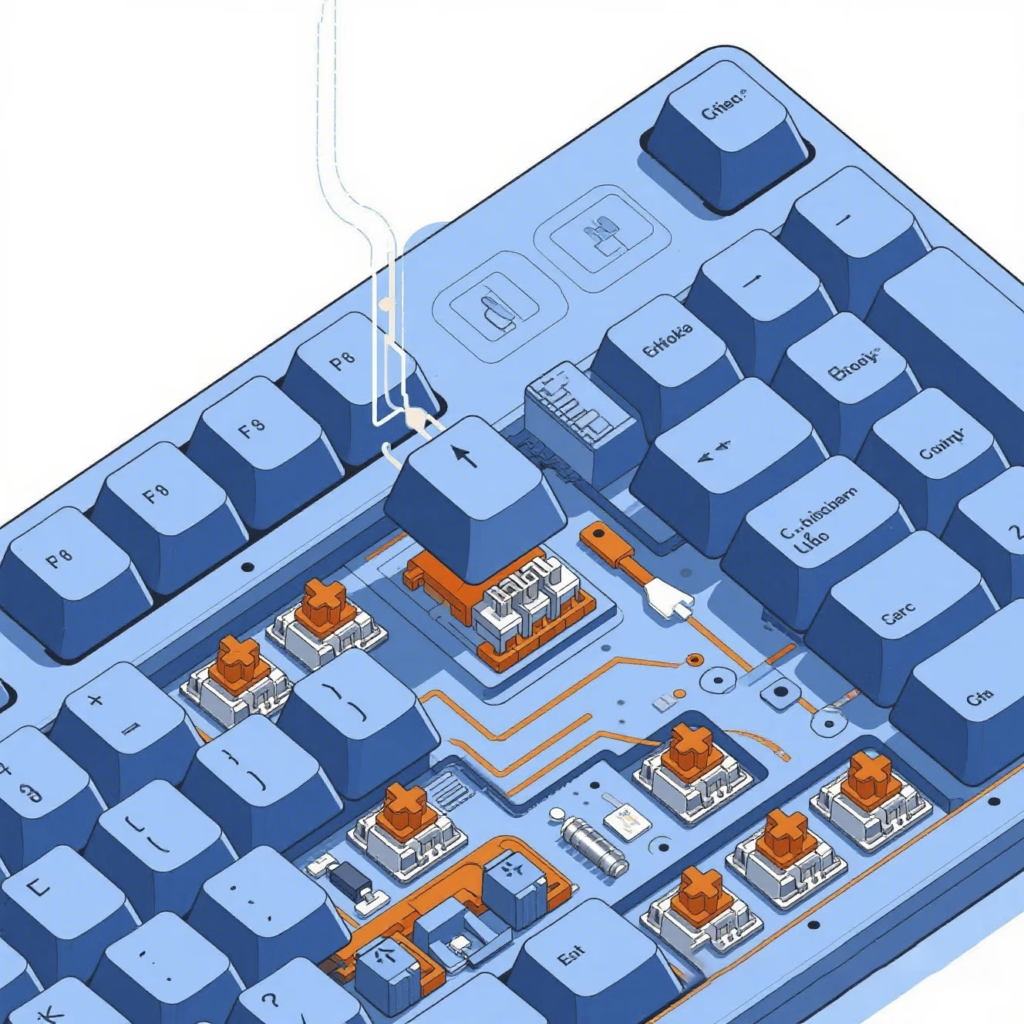
What Are Function Keys on a Keyboard?
Function keys, labeled F1 through F12, are the row of keys typically located at the top of a keyboard. These keys serve as shortcuts to perform specific actions quickly, such as refreshing a page, adjusting brightness, or opening help menus. While their exact use may vary by operating system or application, function keys can greatly enhance productivity.
Where Are Function Keys Located?
Function keys are usually found in a row across the top of a full-sized keyboard. They are labeled F1, F2, F3, all the way through F12. On compact or laptop keyboards, these keys often share their position with other commands like volume, screen brightness, or media controls.
Common Uses of Function Keys
Each function key can have a default action, and many also perform secondary tasks when used with modifier keys like Fn, Ctrl, or Alt. Here’s a general breakdown of what each key often does:
| Function Key | Common Action |
|---|---|
| F1 | Open help menu |
| F2 | Rename selected file/folder |
| F3 | Search feature in applications |
| F4 | Alt + F4 closes current window |
| F5 | Refresh browser or page |
| F6 | Move cursor to address bar (in browsers) |
| F7 | Spell check (in Microsoft Word) |
| F8 | Access boot menu during startup (in some PCs) |
| F9 | Refresh document in Microsoft Word |
| F10 | Activate menu bar in many programs |
| F11 | Toggle full-screen mode in browsers |
| F12 | Open developer tools in most browsers |
Function Keys on Laptops
On many laptops, function keys serve double duty. For example, pressing F1 might lower brightness instead of opening a help menu. To access the original function key action, users often need to hold down the Fn (Function) key. Some systems also allow you to reverse this behavior in the BIOS or keyboard settings.
Function Keys in Gaming and Programming
Function keys aren’t just for casual use—they’re often used in professional and gaming settings as well. In many games, function keys allow players to access quick menus, stats, or system commands. Programmers often bind scripts, testing tools, or macros to function keys for faster workflow. As a result, customizing function keys can boost efficiency in many environments.
Should You Use Function Keys?
Absolutely. Function keys are designed to save time and simplify routine actions. Whether you’re navigating Windows, browsing the web, or editing documents, these keys can reduce clicks and improve productivity. Moreover, many keyboards and software platforms allow you to customize function key behavior to match your personal workflow.
Frequently Asked Questions
Q: Can I disable function keys?
Yes, some laptops or keyboards allow you to disable or remap function keys through BIOS or third-party software.
Q: Why do my function keys control volume instead of F1–F12 functions?
Your keyboard may be set to “Media Mode” by default. Hold the Fn key while pressing the function key, or change the setting in BIOS.
Q: Are function keys programmable?
Yes, especially on gaming or mechanical keyboards with custom software. You can assign macros or specific commands to each key.
Looking for reliable sourcing? Browse our keyboards collection at AllWinFactory.
Related AllwinKey factory sourcing pages
If you are comparing costs, materials or factory options, use these pages to prepare a practical sourcing request:
Frequently Asked Questions
Yes, many mechanical keyboards, including those from AllwinKey, support programmable function keys via firmware or software, allowing brands to assign unique shortcuts for their target users.
Function keys (F1-F12) are general-purpose shortcuts, while media keys control playback, volume, or brightness. Some keyboards combine both via a Fn key toggle.
Absolutely—function keys remain essential for productivity in software like Excel, CAD, and gaming, and can be customized for specialized workflows in OEM/ODM designs.
Buyer next step
Need custom keyboards or keycaps from a factory?
Send material, layout, quantity, packaging and timeline. AllwinKey will use it to prepare a practical RFQ discussion.
Member / sourcing checklist
Use the sourcing checklist before you register
Prepare MOQ, material, layout, packaging and sample questions before you contact the factory.
Open buyer sourcing checklist →Register as a buyer / member →
Buyer Q&A
Use this area for practical sourcing questions about MOQ, materials, layouts, samples, packaging, production schedule or OEM/ODM details.
No public sourcing questions yet. Be the first to ask a practical buyer question.